RPN Calculator
A free and simple Reverse Polish Notation calculator.
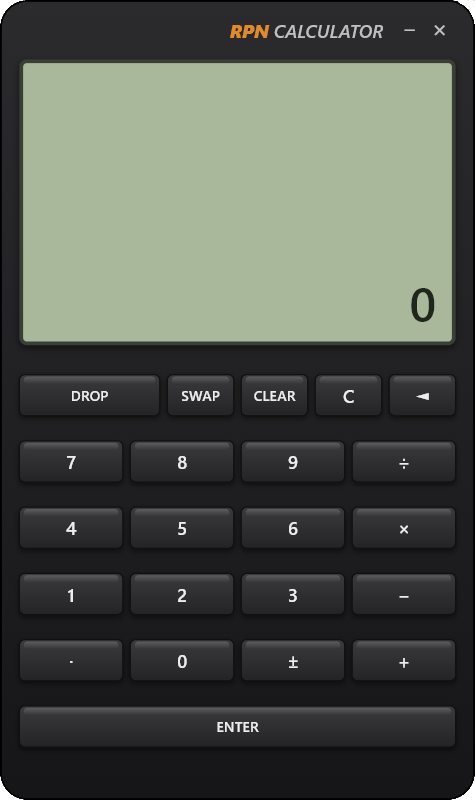
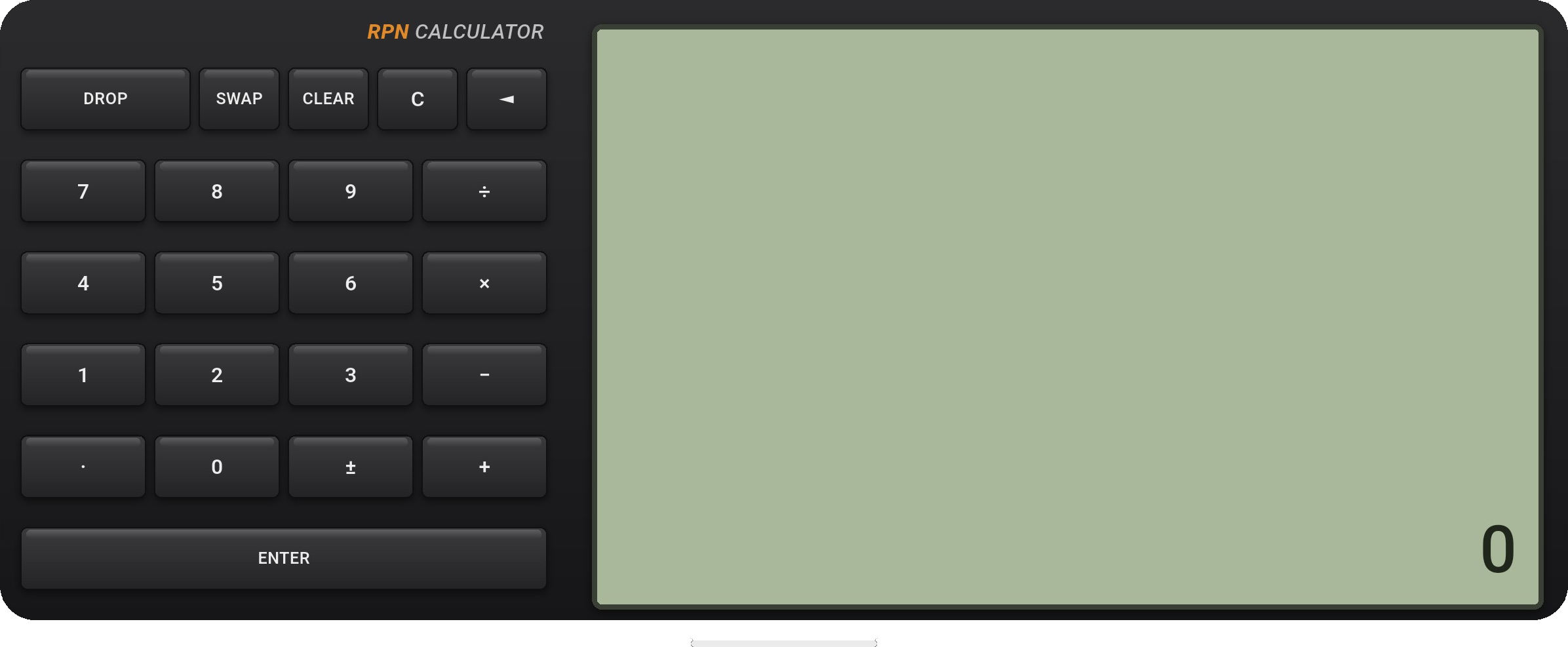
Installation
On Windows, download and run the installer package:
Download RPN Calculator (.msix)
Double-click the downloaded rpncalc.msix file and follow the prompts to install the app.
On Android, install the app from the Google Play Store:

What is RPN?
In Reverse Polish Notation you enter the operands first and the operator last. Instead of writing 3 + 4 =, you type 3, push it with ENTER, type 4, then press +. The result appears immediately.
Numbers live on a stack. Pressing ENTER pushes the number you just typed onto the stack. An operator such as + takes the top two numbers, combines them, and puts the single result back. This is why no parentheses are ever needed: you control the order yourself.
The lowest line of the display is the working register. It always shows a value — 0 when nothing has been typed yet.
Reading the display
The screen shows several stack lines at once, oldest at the top and the working value at the bottom, drawn larger. Each line above holds an older value still waiting on the stack.
While you are typing a number it appears on the bottom line. As soon as you press ENTER or an operator, the value is committed to the stack and the lines shift up.
Key reference
| Key | What it does |
|---|---|
0 – 9 | Type the digits of a number. |
· | Decimal point. |
± | Flip the sign of the value on the working line. |
+ − × ÷ |
Combine the last two numbers (the one entered first is the first operand) and leave the single result. |
ENTER | Push the typed value onto the stack; the input line resets to 0. |
SWAP | Exchange the last two values. |
DROP | Remove the working value from the stack (the lines shift down). |
C | Clear only the current line, setting it back to 0. |
CLEAR | Clear the entire stack. |
◄ | Backspace: erase the last digit. When nothing is left it shows 0 rather than dropping a stack value. |
Subtraction and division use the first-entered number first: 10 ENTER 3 − gives 7 (10 − 3), and 8 ENTER 2 ÷ gives 4 (8 ÷ 2).
Worked examples
| Goal | Keys | Result |
|---|---|---|
| Add 3 and 4 | 3 ENTER 4 + | 7 |
| 10 minus 3 | 1 0 ENTER 3 − | 7 |
| 8 divided by 2 | 8 ENTER 2 ÷ | 4 |
| Make 5 negative | 5 ± | -5 |
| (2 + 3) × 4 | 2 ENTER 3 + 4 × | 20 |
Notice how (2 + 3) × 4 needs no parentheses: you compute the sum first, then multiply — exactly the order you press the keys.
Desktop window (Windows)
On Windows the calculator runs as a frameless, transparent window shaped to the rounded body — there is no title bar.
- Move it: drag the branding strip (the “RPN CALCULATOR” bar above the display).
- Minimize / Close: use the small
–and✕buttons at the right of the branding strip. - Position is remembered: the window reopens where you last left it.